Using them is not straightforward though.
The Creative Commons section of the Flickr site has details of what rights posters of the pics are happy to share, and which rights they are holding onto. However photos posted for sharing are not always easy to link in your blog or web site.
Using the "Share" icon from the photo's Flickr page gives you a URL to paste, like this one:
or the pic's HTML code, like this:
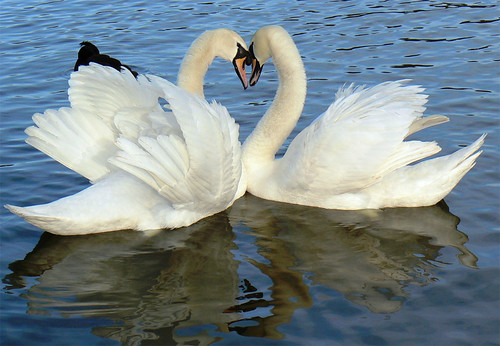
<a href="http://www.flickr.com/photos/mozzercork/109582266/" title="Heart by mozzercork, on Flickr"><img src="http://farm1.static.flickr.com/38/109582266_f21bee2a55.jpg" width="500" height="346" alt="Heart"></a>
But if you use Google Blogger's "Insert image" icon, the picture can supposedly not be found!
Unless your using Flickr, this leaves you with the old-fashioned "cut and paste" method for your image posts. It works, but relies on the user to make the right attributions.
Is there a better way for users and posters of these images to get the flow of information right?

(Cut & pasted this from Flickr image search of "hearts".
Posted by seyyed mostafa zamani).

No comments:
Post a Comment